Pairing the Mesh AX3000 Access Points
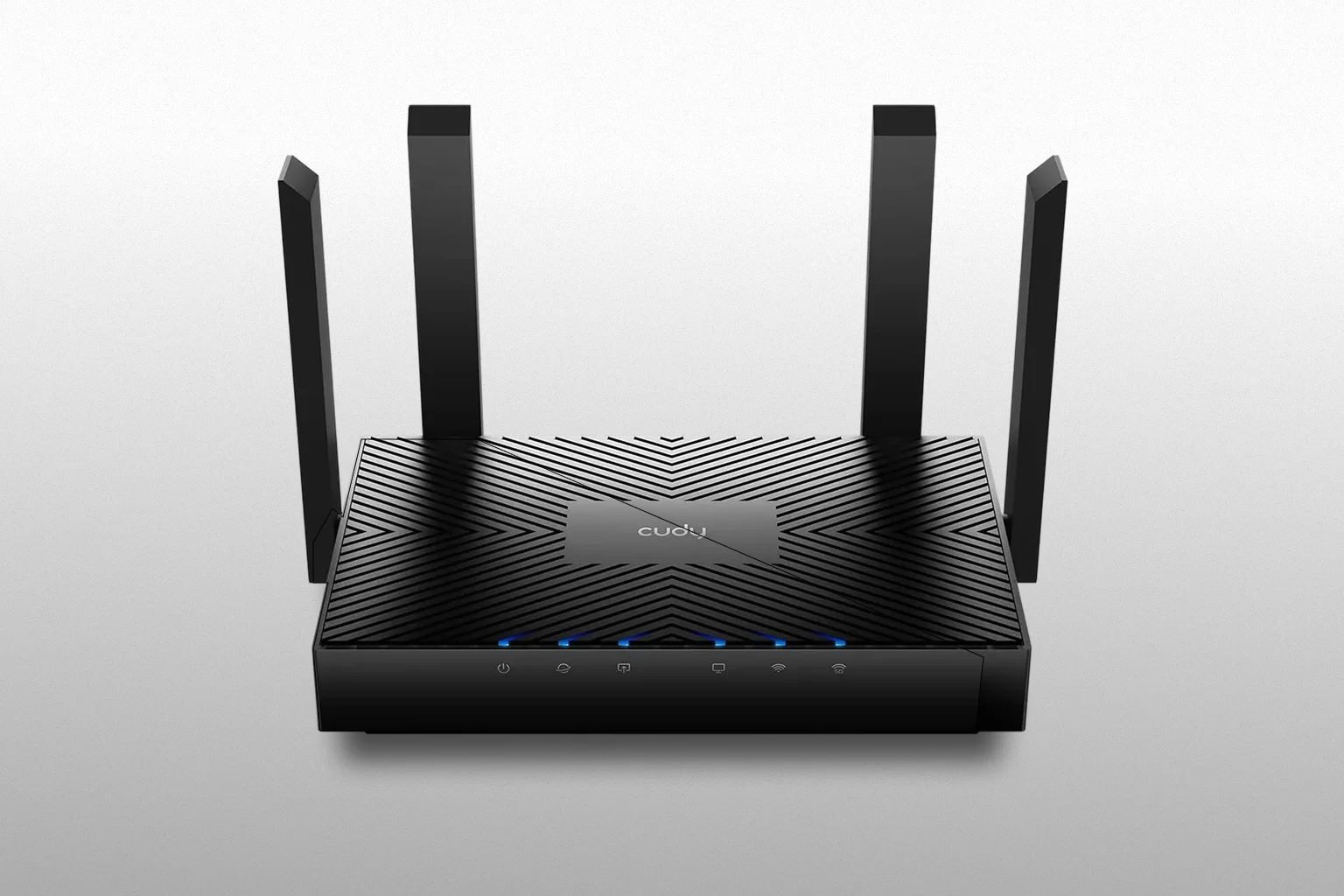
The first step in extending coverage is pairing the AX3000 mesh points with the Cat6 router. When powered on, a new mesh point should display a solid red indicator, confirming it is waiting to be paired. The most reliable method for the initial setup is a wired connection.
Begin by connecting the first mesh point directly to the router: router LAN port → mesh point WAN port. A successful pairing is indicated by a solid white light. You can then repeat the process with the second mesh point by connecting it through the first point: first mesh LAN → second mesh WAN. Once both devices show a steady white indicator, they can be disconnected and placed around the home. The router retains the pairing information, meaning the points will continue to operate wirelessly without requiring reconfiguration.
Placing the Mesh System Correctly
Performance is heavily influenced by placement. When positioned on different floors—a common scenario in multi-storey houses—the mesh points connect, but throughput drops to almost zero. The system technically stays online, yet the usable speed becomes negligible.
For reliable performance, placement should be guided by the device indicator:
- Solid white: strong and stable connection
- Flashing white: weak or poor signal
Within a single floor, the mesh behaves correctly. Devices transition automatically between mesh points depending on which one provides the strongest and most stable signal. This roaming behaviour is where the AX3000 system performs best.
Naming Conventions and Interface Behaviour
One subtle but important detail concerns the naming of mesh points. Renaming them manually can cause the system to treat each point as a standalone device rather than part of the mesh. When this happens, the units appear under Connected Devices instead of Mesh Devices in the router interface.
Functionally, Wi-Fi continues to operate, but several capabilities disappear: the router can no longer display the mesh point’s status, the list of connected clients, or firmware information. You also lose the ability to restart or reset the device remotely. Recovering from this state usually requires more than a simple mesh-point reset. In most cases, the router and all mesh points need to be factory-reset and paired again in the correct order.
A Practical Overview
When installed according to Cudy’s design, the Cat6 router and Mesh AX3000 points form a capable Wi-Fi network for apartments and single-floor homes. The LTE connection is stable, the Wi-Fi bands are powerful when separated, and roaming between mesh points works reliably. The system does, however, demand attention to detail: avoid using Smart Connect, perform the first pairing via cable, follow the indicator lights closely, and avoid renaming the mesh devices.
With these considerations in mind, the setup becomes stable and predictable — delivering wide, consistent coverage without complicated configuration.